
AI agent supervision & workflow orchestration

Tether

Get push notifications the moment your coding agent needs approval, tap to greenlight or redirect, and keep agents shipping while you step away from your desk.

  • Slack
  • OpenAI
  • Anthropic
  • Other
See the demo

No credit card. Works with your existing agent tools.

Built for long-lived agent workflows Designed for multi-hour coding tasks like refactors, migrations, and feature builds that need intermittent human decisions.

The problem

AI coding agents can run for hours on refactors, migrations, or feature builds, but they stop dead when they need approval, hit an ambiguous decision, or surface a result. Developers are stuck babysitting terminals, unable to step into meetings, take lunch, or move away from their desk without killing agent momentum. Every agent pause costs 15–45 minutes of context-switching and restart friction.

Before / After

Before

You start a 3-hour refactor agent, grab coffee, come back to find it paused 20 minutes in waiting for your approval on a file merge. You approve, step into a meeting, return to find it stuck again on a different decision. The agent that should have finished by lunch is still running at 4pm because you weren't there to greenlight each step.
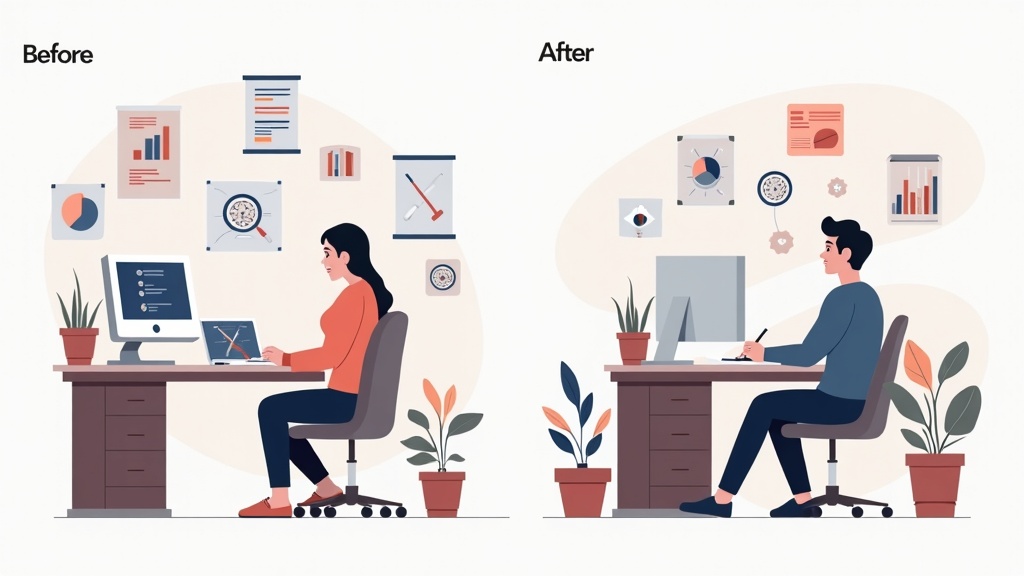
After

You start the same refactor, walk to a meeting, and get a push notification on your watch. Tap 'Approve' without breaking stride. The agent keeps moving. Another notification during lunch—tap 'Redirect' and type a two-word reply. By the time you're back at your desk, the refactor is done and the PR is open.

See it in action

Tether preview

How it works

  1. Connect Tether to your AI coding agent

    Works with Cursor, Devin, Aider, Copilot Workspace, or any agent that supports webhooks or API callbacks.

  2. Start a long-running agent task

    Kick off a refactor, migration, or feature build from your terminal or IDE as usual.

  3. Get push notifications when the agent needs you

    Approval requests, questions, and results land on your phone and Apple Watch in real time.

  4. Tap to greenlight, redirect, or reply

    One-tap approval or plain-English replies route straight back to the agent so it keeps moving.

Workflow diagram

Where it lives

Tether sits between your AI coding agent and your mobile device. When your agent hits a decision point, approval gate, or question, it pings Tether via webhook or API. Tether formats the request into a push notification with action buttons, sends it to your phone and watch, and routes your response back to the agent in the format it expects. No agent rewrite required—just point your agent's callback URL to Tether and install the mobile app.

Integration surface mockup

What this proves

Skills demonstrated

  • AI agent orchestration
  • mobile-first developer tooling
  • real-time workflow automation
  • push notification infrastructure
  • agent-human handoff protocols

Roles this maps to

  • AI coding agents
  • autonomous agents
  • developer tools
  • DevOps automation
  • agent supervision
  • workflow orchestration
  • mobile developer tools
  • CI/CD automation
  • agent approval workflows

Proof boundary

Sanitized — adapted from private engagement

Demo uses synthetic data and is not affiliated with, endorsed by, or certified by Cursor, Anthropic, OpenAI, GitHub, or any AI agent platform. Tether is an independent developer tool. Agent response times depend on the underlying agent platform and network conditions.

Tether

Get push notifications the moment your coding agent needs approval, tap to greenlight or redirect, and keep agents shipping while you step away from your desk.